
Blog
What we're working on
WordPress Max Flexible Web Designs
Stratejus is pleased to announce WordPress Max, a web design and framework along with a system of web components that enables effective design and development of web pages using WordPress….
Read More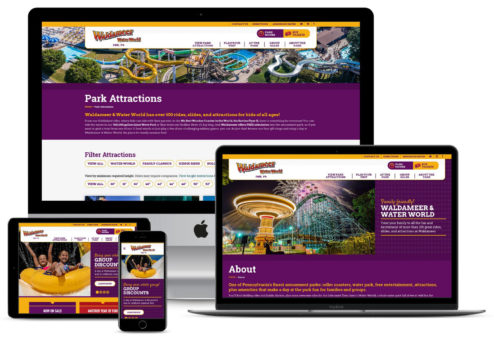
Waldameer Amusement Park Leverages WordPress Solutions
A new website for Waldameer Amusement Park and Water World is leveraging WordPress Solutions for Amusement Parks and Attractions, a new website design and development platform from Stratejus. This new…
Read More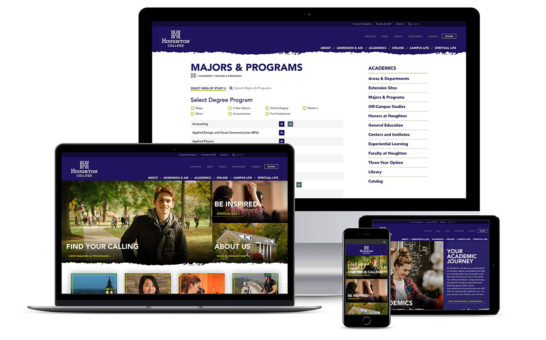
WordPress Solutions, Website for Houghton College
A new website for Houghton College is leveraging WordPress Solutions for Schools and Colleges, a website design and development platform from Stratejus. This new product is targeting institutes of higher…
Read More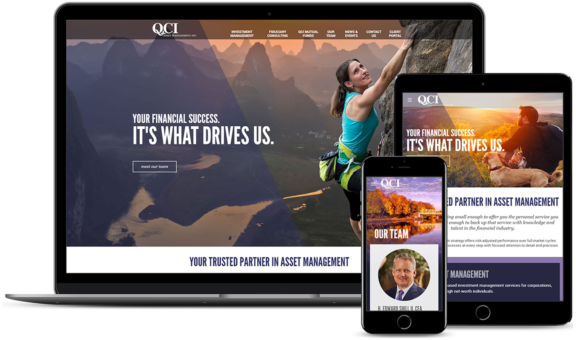
Asset Management Company Web Redesign
The first impression of a website helps to effectively communicate a company’s brand. Fresh color interactions, striking diagonal lines that frame and focus, and an overall powerful digital design that is…
Read More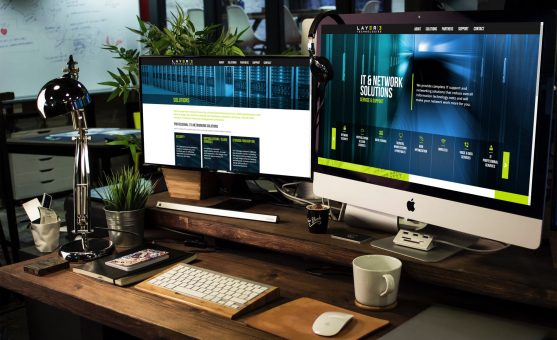
Customer Project: Layer 3 Technologies
Layer 3 Technologies’ first priority is on consulting with customers, then recommending effective IT and networking solutions and helping to both implement solutions and provide ongoing service and support. We…
Read More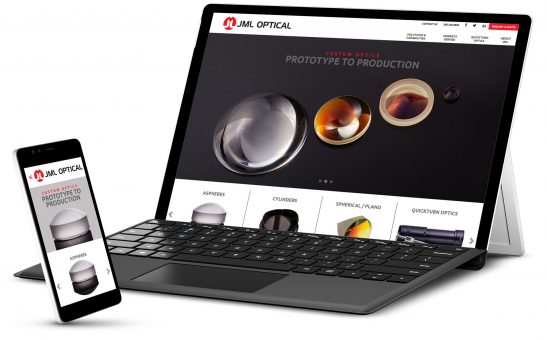
JML Optical Unveils New Website
Looking for a great way to highlight an array of products and custom photography? By immediately displaying large custom product images, combined with a strong use of clean design, this optical…
Read More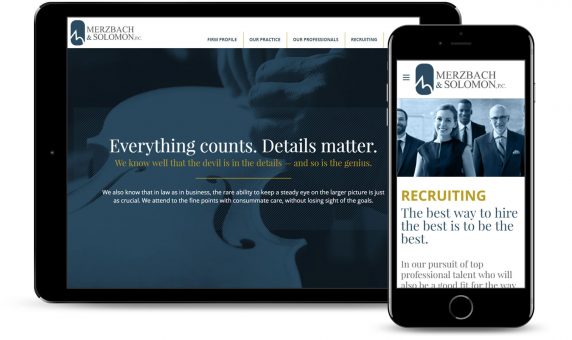
Law Firm Website Design
A web design project for the Merzbach and Solomon law firm in Rochester, NY resulted in a flexible, easy to update site and a professional design that showcases the individuality…
Read More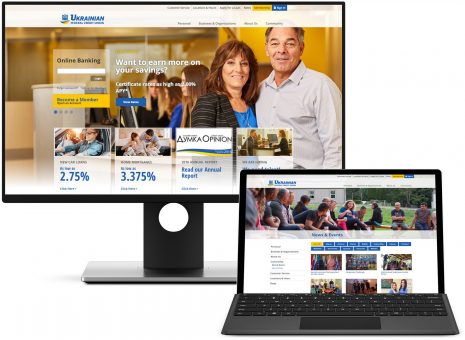
WordPress-Powered Credit Union Website
Improving digital experience for consumers is crucial for banks and credit unions that are dedicated to improving online banking experiences for users. This national credit union site embraced a clean…
Read More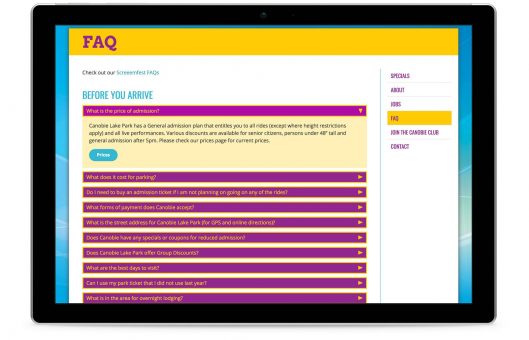
Using WordPress as a Web Page Builder
Out of the box, WordPress pages are built around a single editing area and an HTML text editor. In addition, Stratejus has created a customized set of content layouts based…
Read MoreAre You Mobilized?
Want More Impact?
Need Better Results?
Contact Us Today!
Have a project in mind?
Tap into our in-depth industry expertise and get the solution you need.
Work With Us